
Analytics in TimeFlow
A single, at-a-glance dashboard summarizing everything happening across your company right now.
Updated · Reports & analytics
Before you start
You need analytics permission.
Finding this in the UI
- Left sidebar → Analytics, or go directly to
/dashboard/analytics. - The header and footer do not have direct links here.
What you'll see
The page is headed "Analytics" — "Explore analytics across all project data."
- Key Metrics — nine tiles: Total Job Cards, Total Orders, Monthly Revenue (ZAR), Pending Invoices, Quotations (with conversion rate), Active Clients, Unread Notifications, Total Transactions, and Total Claims. Each shows a short caption underneath (e.g. "0 created today", "Require attention", "All time").
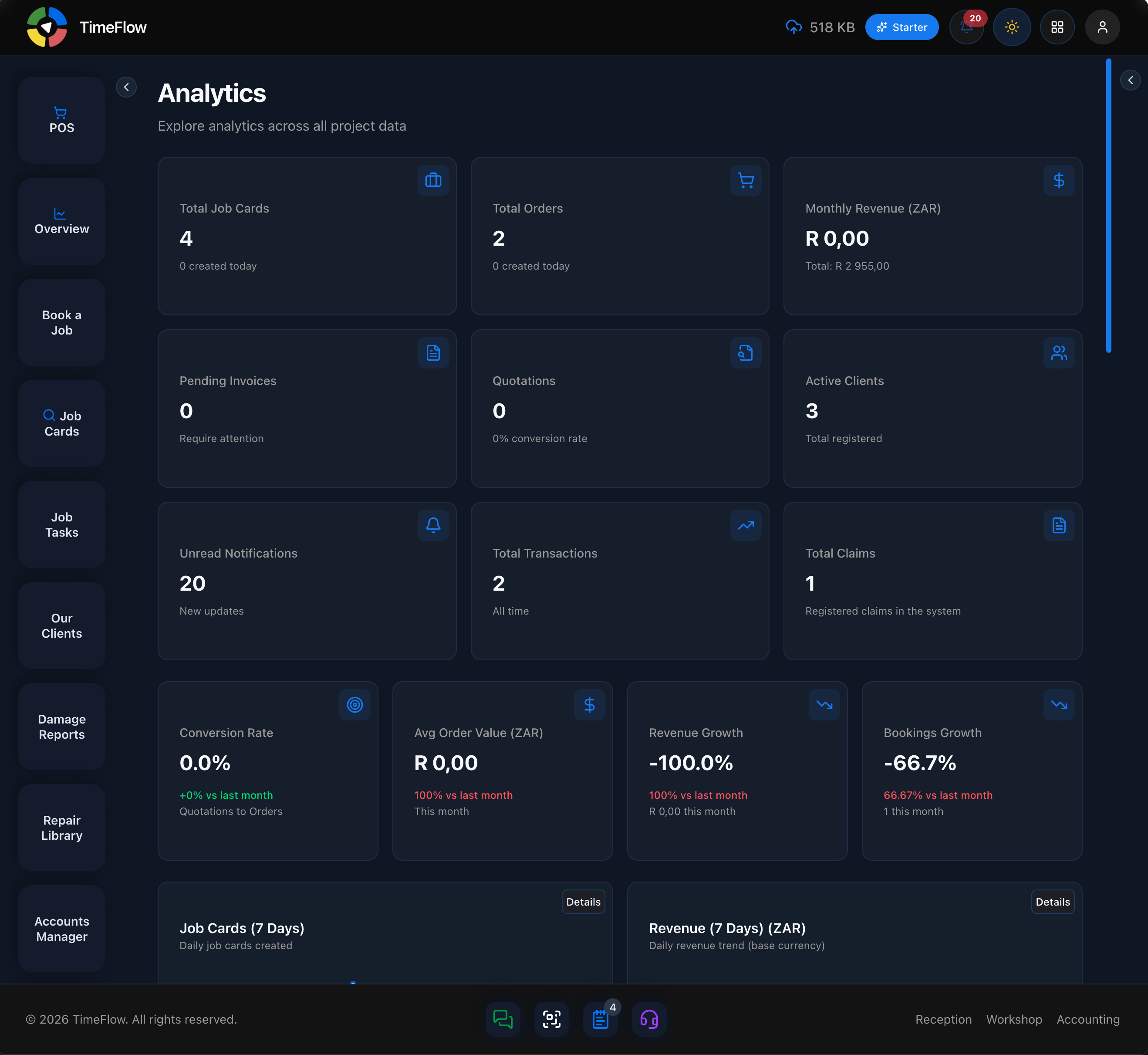
- Performance Indicators — four tiles: Conversion Rate (Quotations to Orders), Avg Order Value (ZAR), Revenue Growth, and Bookings Growth — each compared against last month, color-coded green/red.
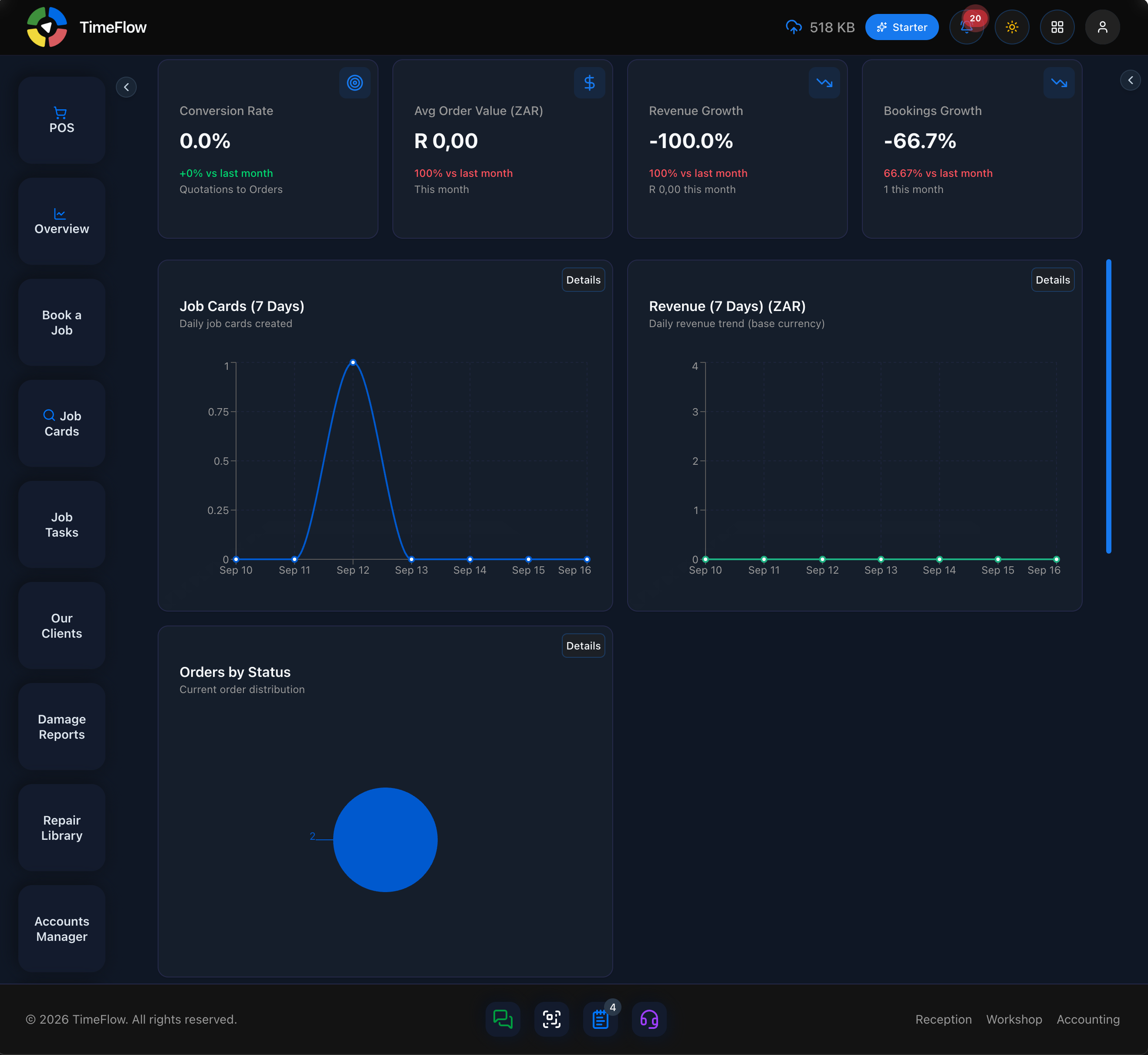
- Mini Charts — Job Cards (7 Days), Revenue (7 Days) (ZAR), and Orders by Status, each with a Details link.
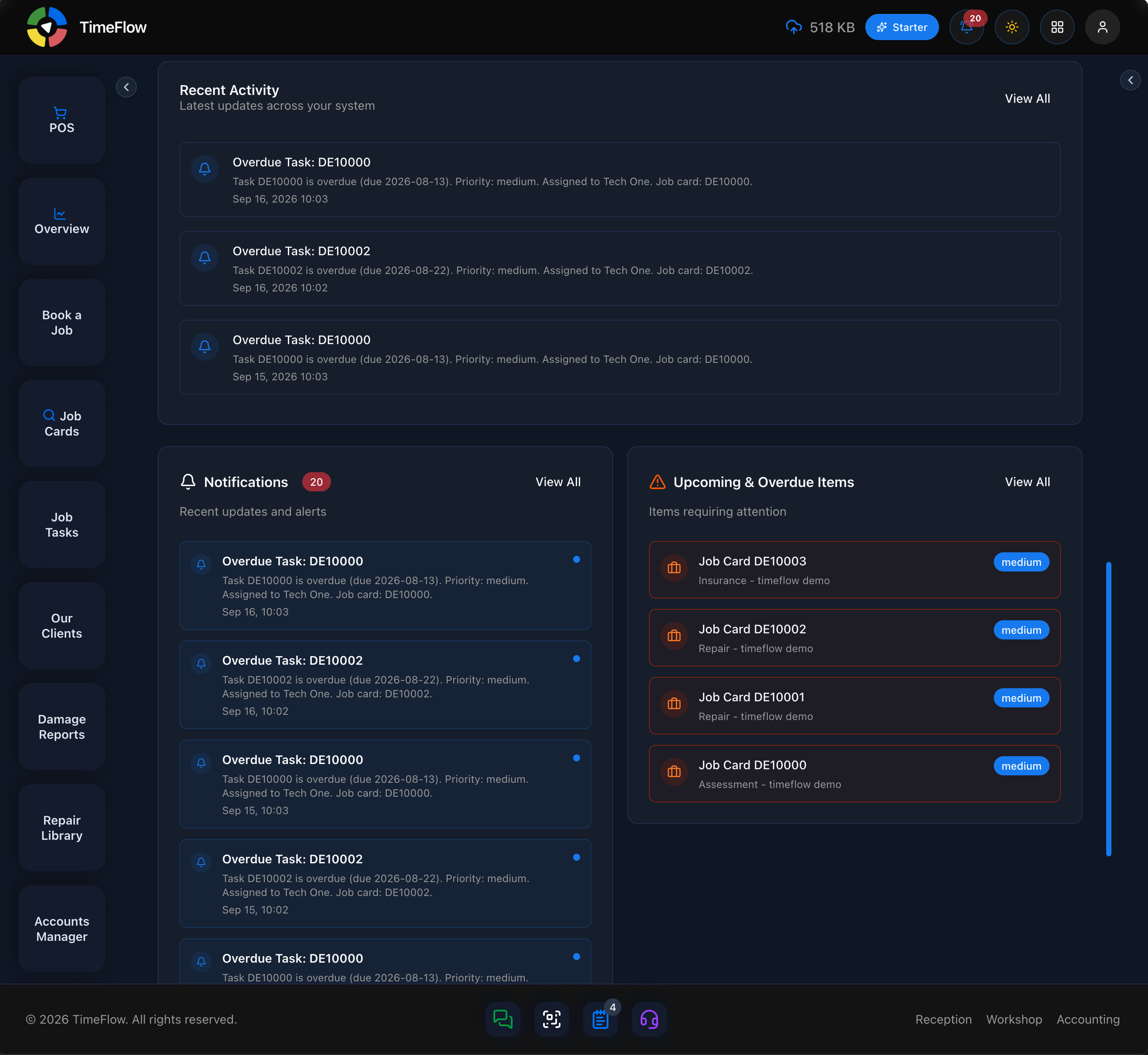
- Recent Activity — "Latest updates across your system", with a View All link; each entry shows what happened, its details, and a timestamp (e.g. an overdue task's due date, priority, assignee, and job card).
- Notifications — a card with an unread-count badge and View All link, listing recent alerts without needing to open the notification bell.
- Upcoming & Overdue Items — "Items requiring attention", with a View All link; lists items like job cards with a priority badge (low/medium/high), so you can see what needs attention next.
Tips
- Analytics is the "whole business, right now" view; Insights (see the Insights guide) is better when you want to filter one area — job cards, invoices, orders, transactions, or quotations — over a specific date range.
Frequently asked questions
What's the difference between Analytics and Insights?
Analytics is an at-a-glance view of the whole business right now. Insights lets you filter job cards, invoices, orders, transactions, and quotations over a chosen date range.
Related guides
- Sales & operations insightsChart job cards, revenue, orders, transactions, and quotes over any date range — top booking types, daily revenue, and payment method breakdowns.
- Inventory insightsSee what to reorder, what's out of stock, dead stock tying up cash, best sellers, slow movers, stock value by category, and suppliers to contact.
- Employee performanceCompare team members' bookings, sales value, and reporting activity — tech reports, comments, tasks, damage reports — from one page.